How to Turn a Long YouTube Playlist into a Study Plan You Can Follow

A saved playlist can feel like progress before you have watched a single lesson. The real challenge starts when the list contains dozens—or hundreds—of videos and you need to fit them around work, classes, family or exam preparation.
The easiest way to make a YouTube course manageable is to estimate the time first, choose a daily target that fits your life, and then plan in small blocks instead of promising yourself an unrealistic weekend marathon.
1. Find the real time commitment before you begin
Video count alone does not tell you how demanding a playlist will be. Thirty short explainers may take less time than six detailed lectures. Add the duration of the videos to get a useful baseline, then decide how many minutes you can actually protect each day.
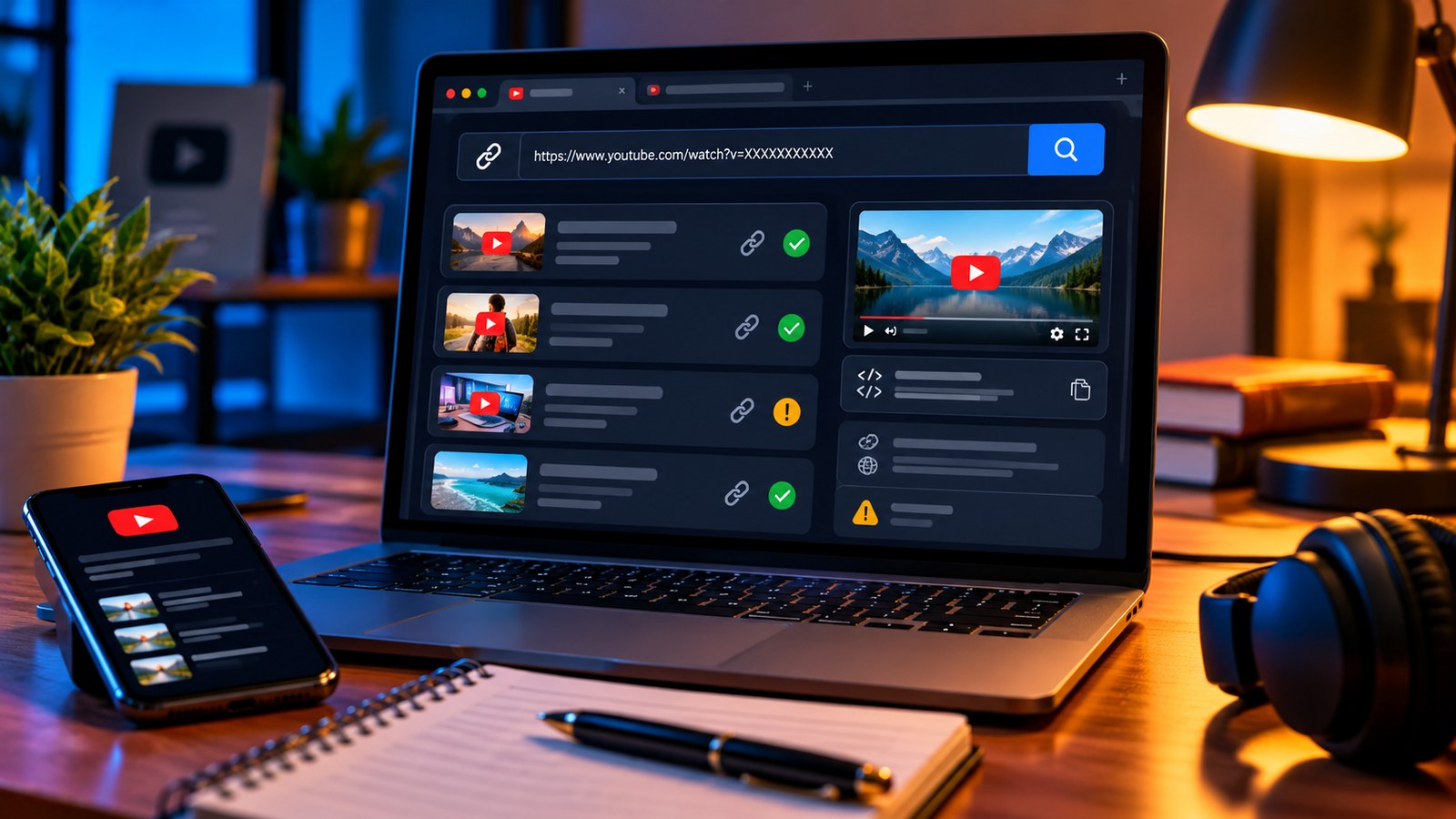
You can paste a playlist URL into the YTPlayTime YouTube Playlist Length Calculator to see the total watch time. The calculator also supports single videos, playback-speed comparisons, specific ranges and remaining-time planning, so you do not have to estimate by scrolling through every video manually.
Before setting a deadline, ask three questions:
- Is this a course I need to complete from beginning to end, or only selected modules?
- Will I pause to code along, take notes or complete exercises?
- How many days per week can I study consistently?
For a programming course, remember that watching is only one part of the work. A 10-hour playlist might require additional practice time. Treat the video duration as the starting point, not the full amount of time needed to master the subject.
2. Convert the total into a weekly target
Suppose the playlist contains 12 hours of video and you can study for 45 minutes on five days each week. That gives you 225 minutes—or 3 hours and 45 minutes—of planned viewing time per week at normal speed. The videos alone would take a little over three weeks, before breaks, exercises or revision.
A simple formula helps:
Estimated viewing days = total watch time ÷ your daily viewing allowance.
Use consistent units. If a playlist is 600 minutes and your daily target is 30 minutes, plan for about 20 viewing days at 1x speed. Add a buffer for difficult lessons, missed days and revision. A plan that allows you to catch up is much more useful than one that collapses after a busy Tuesday.
3. Choose playback speed based on the lesson
Higher playback speed can reduce clock time, but it is not automatically the best choice for learning. Familiar topics, recaps and slow introductions may be comfortable at 1.25x or 1.5x. A new concept, a dense explanation or a live coding demonstration may deserve normal speed or frequent pauses.
Use speed as an adjustable setting, not a rule. After a short section, check whether you can explain the main idea without replaying it. If the answer is no, slow down and make a note of the timecode you need to revisit.
The YTPlayTime calculator shows speed-adjusted estimates, including common options such as 1.25x, 1.5x, 1.75x and 2x. Those figures are useful for planning, but they do not include your pauses, note-taking or exercises.
4. Break a large playlist into meaningful sections
A 90-video playlist can feel endless when the only goal is “finish the playlist.” Replace that with checkpoints such as:
- Week 1: fundamentals and setup
- Week 2: core concepts
- Week 3: guided examples
- Week 4: practice and revision
Use the playlist's chapters, module names or video titles to define each section. If a playlist is already partly complete, use a remaining-time calculation rather than starting from the total duration again. If only one module matters for an upcoming exam, calculate that range and plan around it.
5. Make each session active
At the start of a session, write down one question you want answered. During the lesson, capture only key concepts, examples and questions; do not attempt to transcribe every sentence. At the end, close the video and write a short summary from memory.
For technical lessons, reproduce the steps in your own environment. For history or theory, explain the idea in plain language. The small effort of retrieving information helps you spot what needs another look.
6. Review the plan every week
A schedule is a tool, not a promise you must defend. If you repeatedly miss the daily target, reduce it. If sessions feel easy, add time gradually. Track videos completed, not just hours played, and leave space for review days.
A quick checklist
- Calculate the full playlist or the relevant section.
- Set a realistic daily viewing allowance.
- Add practice and note-taking time separately.
- Change speed when the material changes.
- Review progress once a week and adjust the target.
The point is not to finish every playlist as quickly as possible. It is to turn useful videos into skills you can remember and apply. Start with the real duration, make the next session small enough to begin, and let consistency do the heavy lifting.
Plan your next course: Open YTPlayTime and calculate the playlist before you schedule your first study session.