How to Validate a YouTube Video Idea Before You Start Filming
A video idea can sound exciting in a notes app and still be difficult to turn into a useful upload. Before you spend hours scripting, filming and editing, take a short step back: who is the video for, what problem does it solve, and why would that audience choose your version over a dozen similar videos?
Idea validation does not require a perfect forecast. It helps you remove weak ideas early and make promising ones more specific.
1. Start with an audience problem
Write the idea as a question a viewer might actually ask. “Make a video about productivity” is broad. “How can a student plan a week of revision when each lesson has a different length?” is more specific and easier to research.
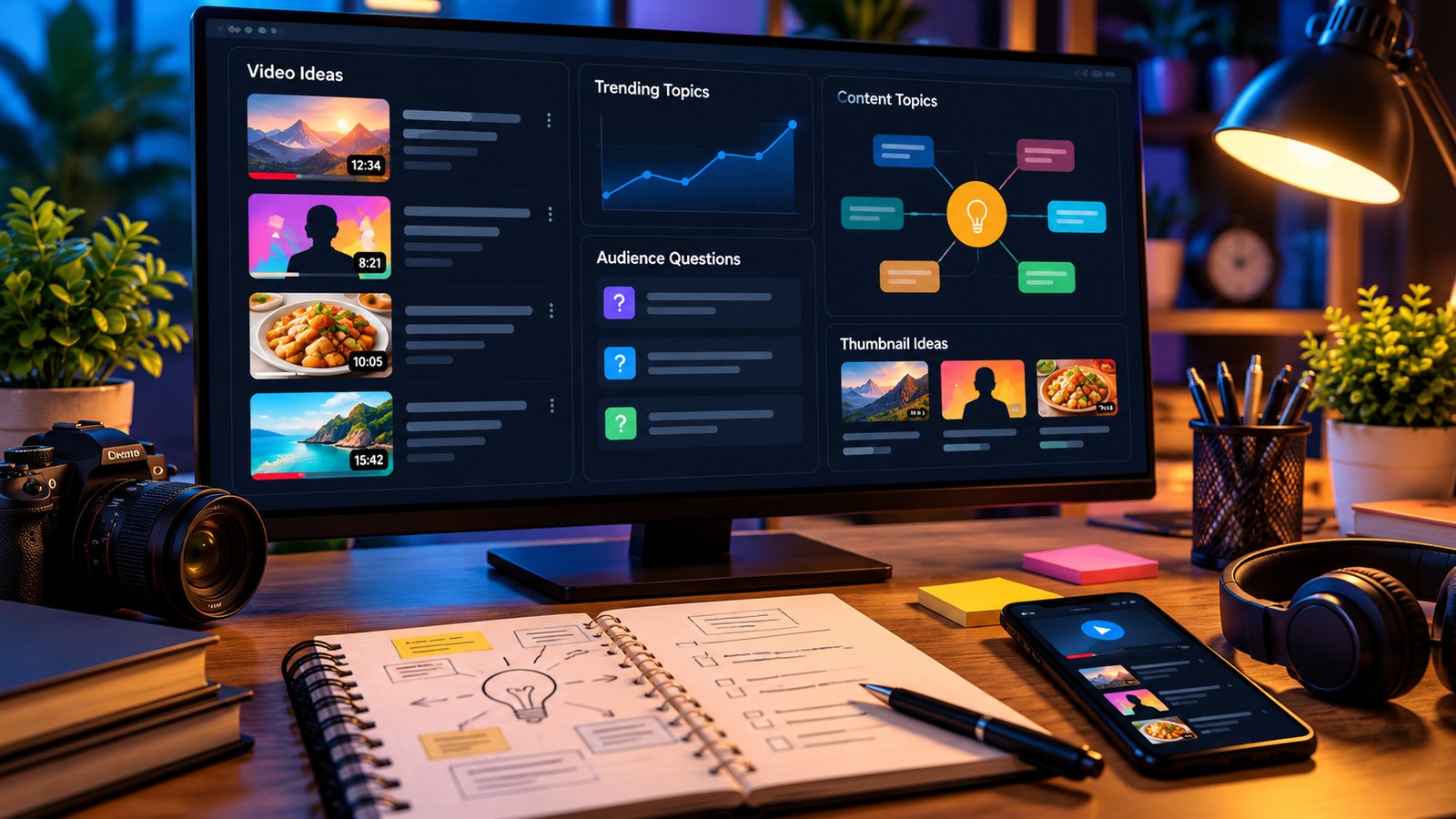
A good starting idea connects a real audience need with a result you can demonstrate. Look at questions you hear from your community, repeated confusion in relevant comment threads, or tasks people need to complete. The YTPlayTime Channel Ideas tool can help brainstorm possible directions, but you still need to choose one that matches your knowledge and audience.
2. Check existing coverage without copying it
Search for the main question and inspect several relevant results. Note what the current videos explain well, what viewers still ask about, and whether the topic needs a new format. The purpose is not to duplicate another creator’s title or outline. It is to understand the expectation a viewer already has and identify a meaningful improvement you can provide.
A stronger angle might be a real demonstration, a clearer comparison, a focused beginner version, an updated workflow or a set of examples from your own experience. If you cannot explain what your video adds, refine the idea before filming.
3. Use trends as a signal, not an instruction
The YTPlayTime Trending Video Ideas tool can provide topic suggestions by niche and country. Treat the results as prompts for further research. A topic may be rising in public interest but still be a poor match for your viewers, your skills, or the time you have available.
Ask three questions about any trend:
- Does the topic connect naturally to the audience I already serve?
- Can I make something accurate and useful rather than repeating the headline?
- Will the idea still make sense if attention to the trend fades next week?
If the only reason to publish is that a term appears popular, the idea may not be strong enough on its own.
4. Draft the promise before the script
Write a working title that describes the intended result. It does not need to be final, but it should make a clear promise you can deliver. Then outline three to five points the video must cover. If the outline becomes a list of unrelated ideas, split it into separate videos or narrow the title.
The YTPlayTime Title Generator can help explore different title structures. Review every suggestion for accuracy and tone: an engaging title should create interest without implying a result the video cannot support.
5. Check effort and evidence
Estimate the work required: research, script, recording, screen capture, editing, examples and corrections. Can you complete it to the standard you want? Do you have the data or experience needed to make the explanation trustworthy? If not, gather the missing evidence or pick a more manageable version.
A simple go/no-go decision
Proceed if the idea has a defined audience, a clear problem, a distinctive contribution and a realistic production plan. Revise it if one of those pieces is missing. Save it for later if it depends on speculation or a trend you cannot explain responsibly.
No tool can guarantee views. The useful outcome of research is a better-informed creative decision: making something relevant, accurate and genuinely worth a viewer’s time.