How to Clean Up a YouTube Link Before Sharing It
A YouTube link may look familiar while pointing to the wrong destination. It could open a single video instead of a playlist, take viewers to a channel rather than a specific upload, or lose the timestamp you intended to share. Before publishing a link in a blog post, course notes or team message, check what it points to and what parameters need to stay in place.
Know the destination you want
A typical video link contains a video identifier. A playlist link contains a playlist identifier, and a channel link may use a handle or a channel ID. Short links such as youtu.be/... can still point to a normal video; the format alone does not tell you whether the destination is public or available to every viewer.
Some links also include a timestamp parameter. That can be helpful when referring to a particular moment in a tutorial, but only if the time is correct and the destination still matches your intended video. If you remove every parameter automatically, you may accidentally remove the playlist or start-time information that made the link useful.
A quick link-check workflow
- Copy the full link from its source.
- Open it in a browser and confirm the title, channel and destination.
- If you are preparing a video citation, decide whether viewers should start at the beginning or at a specific timestamp.
- If the link belongs to a playlist, confirm the playlist is the intended one and that the expected video is included.
- Test the final link after placing it in your document or website.
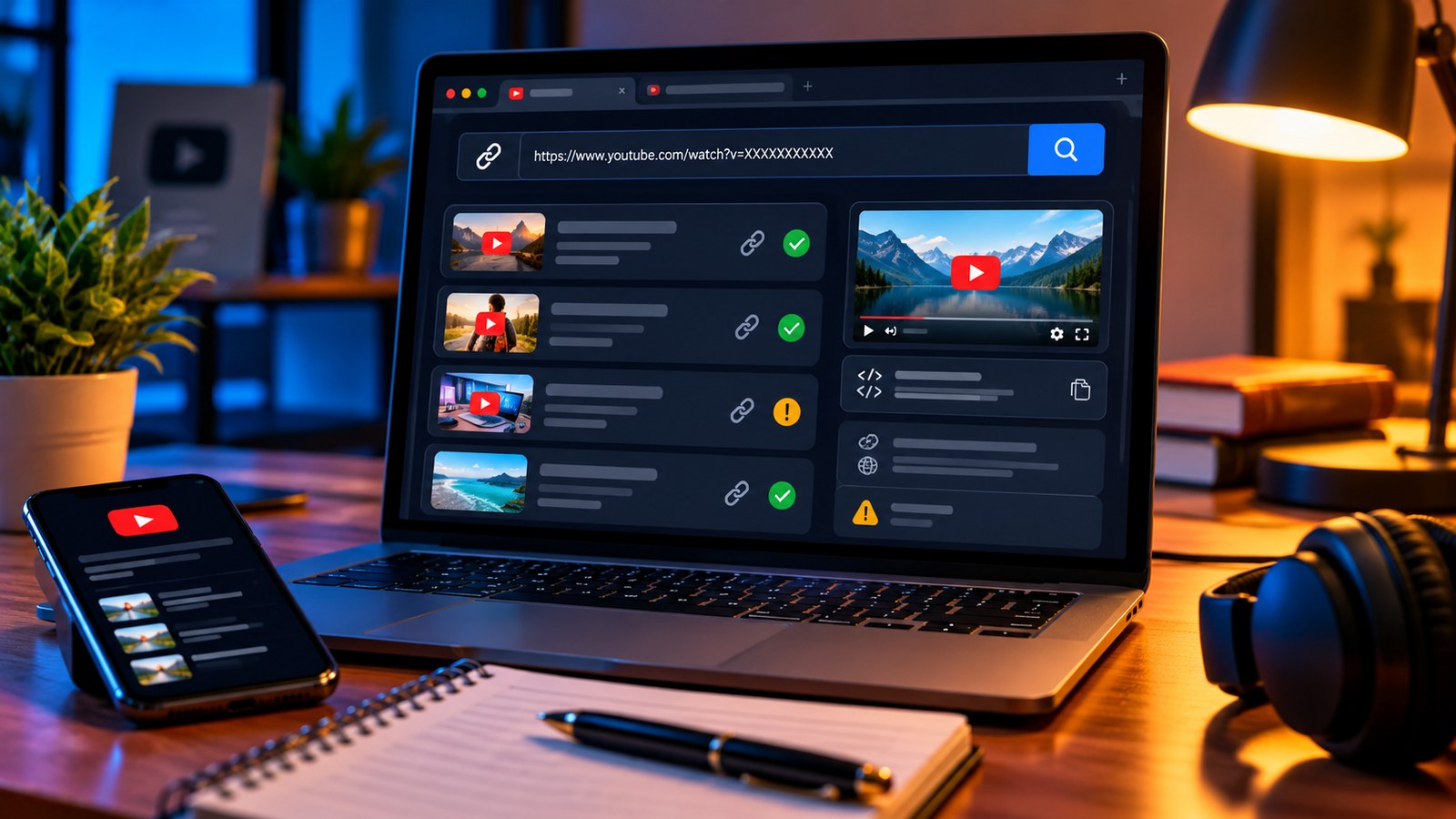
The YTPlayTime Link Viewer can break down supported YouTube URLs into their video, playlist, channel and start-time components. The URL Finder can help find public video or channel URLs by keyword when you have a name but not the direct link.
A clean URL is not the same as an accessible video
Even a correctly formatted link may not play for every viewer. The video might be private, age-restricted, unavailable in a region, deleted or blocked from embedding. A URL parser can identify link components; it cannot override permissions or guarantee playback.
If the link works on YouTube but fails in an embedded player, check the video’s embedding settings and test the direct watch page. If it no longer opens, verify the source rather than repeatedly altering the URL and hoping it works. For a list of resources, keep the video title next to the link so a broken destination can be recognised later.
Keep links understandable for readers
Use descriptive link text such as “watch the full tutorial” or “open the playlist,” rather than pasting a long URL into the middle of a sentence when a clickable label will do. When sharing in a text message, include a short note about why the link matters. If you need someone to start at a particular moment, name the time in the message as well as using a timestamp link.
Do not remove tracking parameters from links you do not control if the sender has a legitimate reason to use them, and do not assume every query parameter is disposable. In editorial content, use the shortest stable link that preserves the intended destination.
Final checks before you publish
- The link opens the correct video, playlist or channel.
- The video title and channel match the context of your article.
- A timestamp is intentional and points to the right moment.
- The content is viewable in the context you are linking from.
- The link text tells readers what to expect.
A few seconds spent testing URLs can prevent a frustrating broken-link experience. Clean links help people reach the intended content; they do not change the content’s privacy or availability settings.