Does Watching YouTube at 1.5x Really Save Time? A Practical Guide
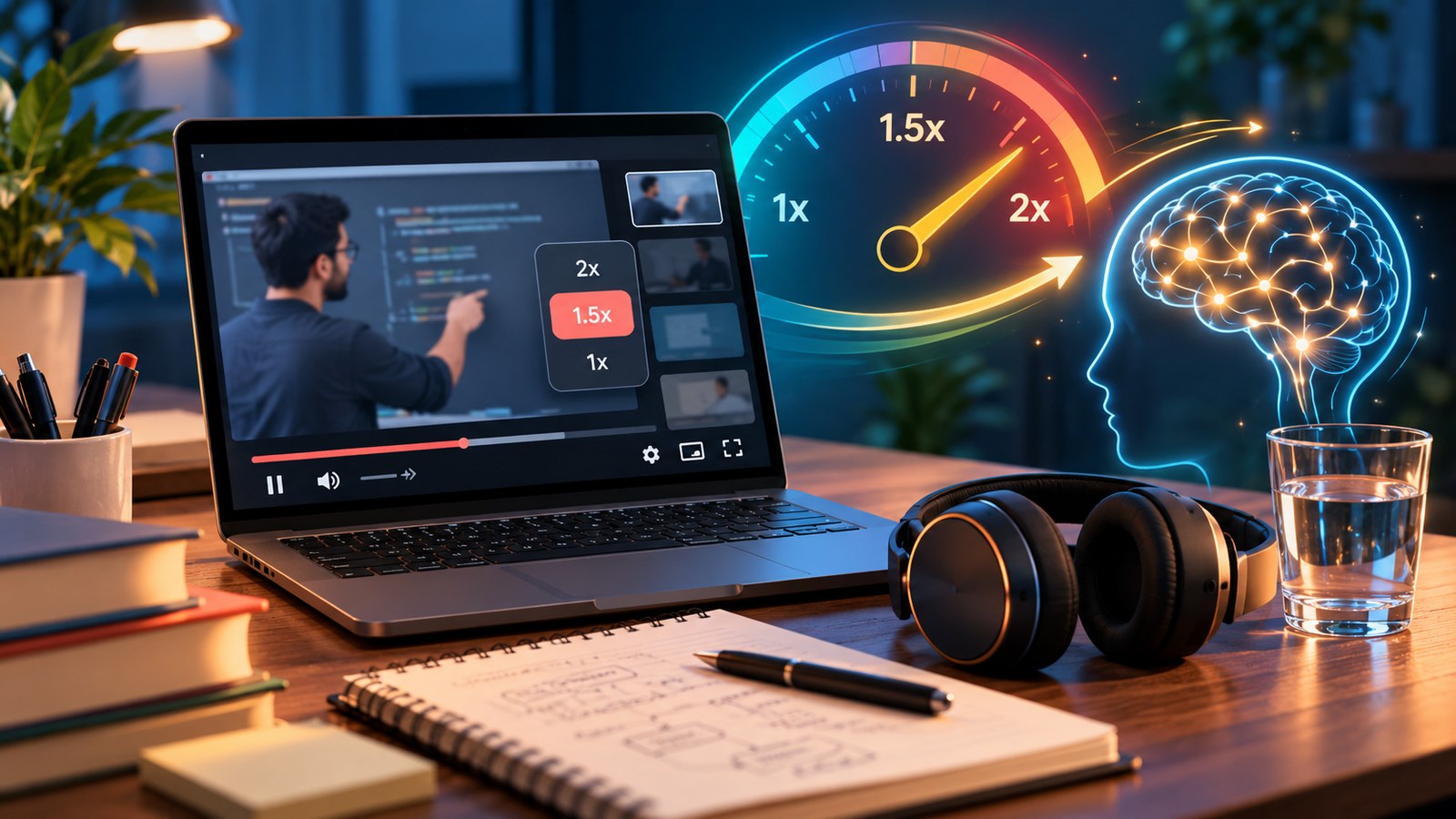
Changing a video from 1x to 1.5x can make a long watch list feel much more manageable. But the best playback speed is not simply the highest number your player allows. It is the speed at which you can still follow the explanation, notice important details and remember what you watched.
Here is how to calculate the time saving and use playback speed with a little more intention.
How playback speed changes the clock time
The basic calculation is straightforward:
Adjusted viewing time = original duration ÷ playback speed.
For example, a 6-hour playlist would take approximately:
| Playback speed | Approximate viewing time | Time saved |
|---|---|---|
| 1x | 6 hours | None |
| 1.25x | 4 hours 48 minutes | 1 hour 12 minutes |
| 1.5x | 4 hours | 2 hours |
| 1.75x | 3 hours 26 minutes | 2 hours 34 minutes |
| 2x | 3 hours | 3 hours |
These are mathematical estimates. They assume continuous playback and do not include rewinding, breaks, note-taking, practice or discussion. A three-hour estimate can become a much longer real study session when the topic is unfamiliar.
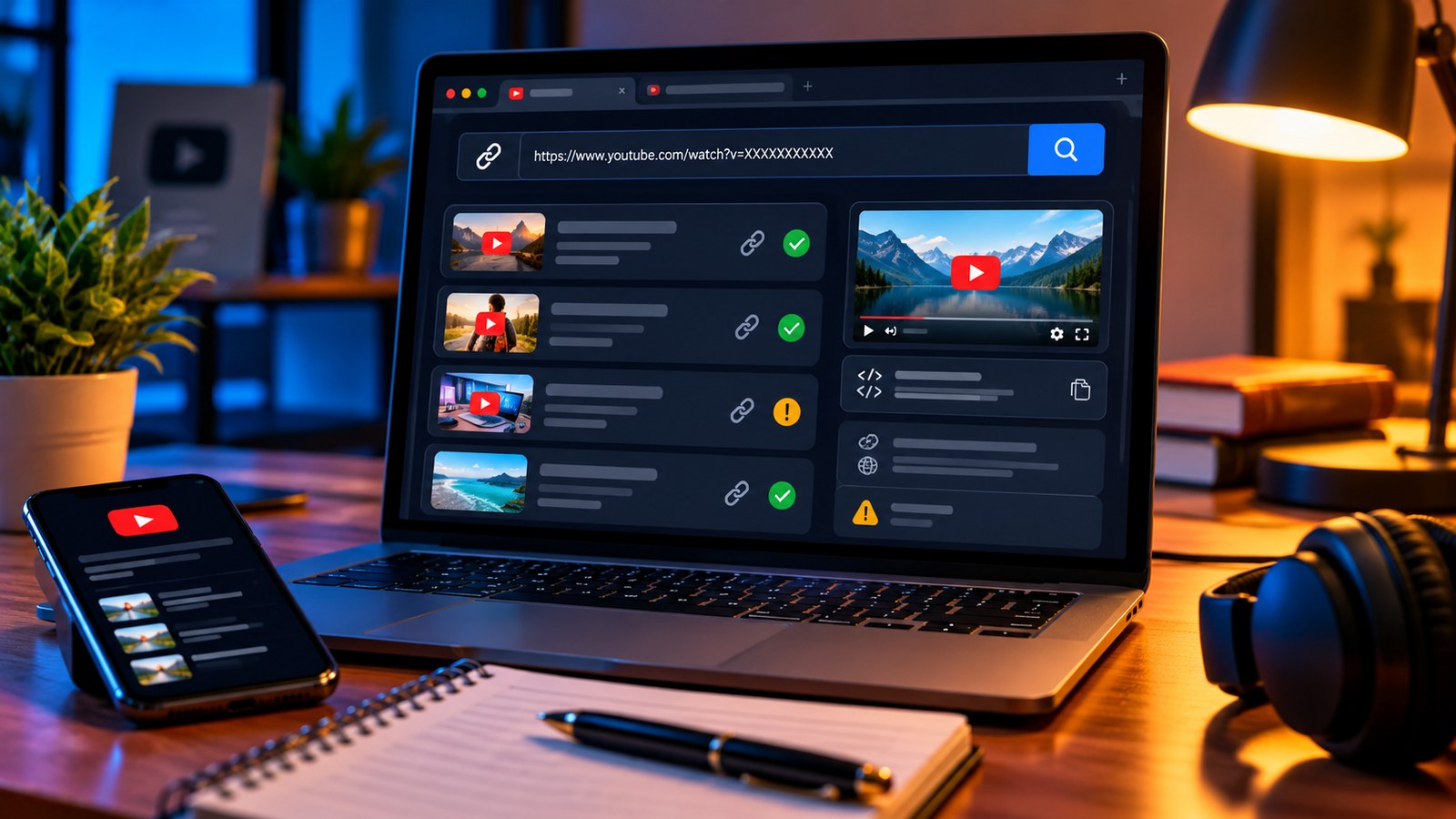
To avoid calculating every playlist by hand, use the YTPlayTime YouTube Playlist Length Calculator. Paste a playlist or video link and compare common speeds, including custom options for planning.
When faster playback tends to work well
Faster viewing is often most useful when the content is already familiar or the speaker leaves long pauses. Examples include reviewing a lecture you have already studied, listening to a summary, revisiting an explanation you understand, or catching up on general updates.
It can also make the pacing of a slow presentation feel more natural. Try 1.25x first, then move higher only if the meaning stays clear. A small speed increase that you can sustain is usually more useful than a dramatic change that forces you to replay half the video.
When normal speed is worth the extra time
Slow down for unfamiliar concepts, mathematical derivations, coding demonstrations, pronunciation practice, dense terminology and instructions where one missed detail can change the result. Pause when you need to try a step yourself rather than watching the instructor do it.
A useful test is simple: after a few minutes, explain the central idea without looking at the screen. If you cannot, return to normal speed or replay the specific section. The aim is understanding, not a perfect playback statistic.
Try a flexible speed plan
Instead of choosing one speed for an entire playlist, divide the material into three groups:
- Review: familiar explanations that can be watched faster.
- Learn: new but approachable material at a comfortable speed.
- Practice: difficult sections watched slowly, paused often or repeated as needed.
For example, a six-hour course might include four hours of familiar review at 1.5x and two hours of complex demonstrations at 1x. The estimated viewing time would be about 4 hours 40 minutes, rather than the four hours you would get by applying 1.5x to the entire playlist. It is a more realistic forecast because it respects the content.
Avoid the hidden cost of rushing
If faster playback causes you to lose focus, replay sections repeatedly or finish without being able to apply the ideas, the apparent time saving may disappear. Keep a small list of timestamps you want to revisit. Take short breaks during long sessions. For practical skills, leave time to do the work yourself.
Also remember that subtitles, audio quality, the speaker's accent and the complexity of the subject can affect how comfortable a speed feels. Adjust based on the actual lesson rather than a general productivity rule.
FAQ
Does 2x speed always cut the session in half?
It cuts the video's playback time in half. Your complete session can take longer if you pause, take notes, rewind or practise.
What is a good speed for a new topic?
Start at 1x or a modest increase such as 1.25x. Move up only when you can still explain the material accurately.
Can I calculate the remaining time in a playlist?
Yes. YTPlayTime offers a remaining-time mode on its playlist calculator, which is useful when you have already completed part of a course.
Make the estimate before you press play: Calculate your YouTube watch time on YTPlayTime. Use the number as a planning aid, then let comprehension decide the speed.