YouTube Channel ID vs Handle: What Is the Difference?
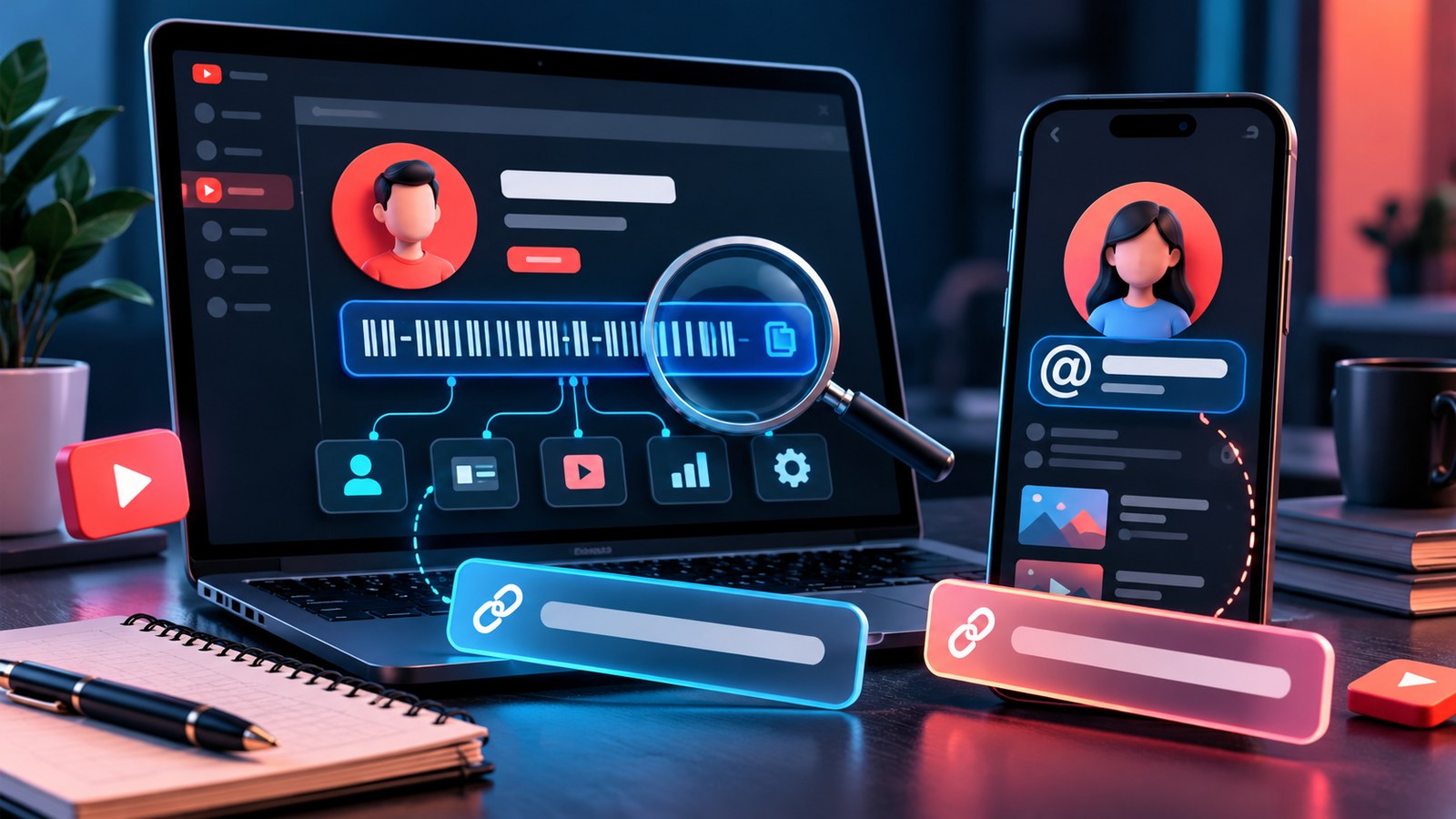
You may know a creator by a memorable name such as @ExampleCreator, but a tool, spreadsheet or API workflow may ask for the channel ID instead. These identifiers are related, yet they are not interchangeable. Picking the correct one saves time when you are organising a creator list, checking a link or connecting a channel to another service.
What is a YouTube handle?
A handle is the public, unique identifier that starts with @. It helps viewers find, mention and connect with a channel across YouTube. Handles can also be shared outside YouTube, which makes them useful for social profiles, creator media kits and brand communication.
A handle is intended to be readable and memorable. It might match the channel name, but channel names do not have to be unique in the same way. Two channels can use similar display names while their handles remain distinct.
YouTube explains handles and their naming rules in its official Learn about YouTube handles guide.
What is a channel ID?
A channel ID is a unique identifier used to refer to a specific YouTube channel in some settings, applications and services. It is especially useful when a workflow needs to distinguish the exact channel from another creator with a similar name.
YouTube says channel owners can view their user ID and channel ID in the account's advanced settings. See the official Find your YouTube user and channel IDs guide for the current steps.
Which one should you use?
Use the handle when you are sharing a channel with a person, listing the creator's public identity or checking whether a name is already in use. Use the channel ID when an application or technical workflow explicitly requests the channel's identifier.
Do not paste a handle into an ID field just because both seem to point to the same channel. If a tool asks for one specific format, follow that format. Also confirm the result is the intended creator, especially when multiple channels have similar names.
How to check a handle before a rebrand
Before you print a handle on a thumbnail, update the website, order merchandise or announce a rebrand, check whether it is already associated with a channel. Keep a shortlist of alternatives rather than depending on one name.
YTPlayTime's YouTube Username Checker lets you check individual handles or a small batch. The page supports checking up to 20 names in one request and explains its limitations. A result that does not find a matching channel is not a guarantee that YouTube will let you claim the name: YouTube can reserve or disallow certain handles, and its own final interface decides whether you can use one.
When you check names, try to make them:
- Easy to say aloud and spell after hearing once.
- Close to your creator name or niche without being confusingly similar to another brand.
- Consistent with your website and other public profiles where possible.
- Flexible enough to keep working if your content expands beyond one narrow topic.
Common mistakes to avoid
Confusing the display name with a handle. A display name may not be unique, and changing it does not mean a different identifier has become available.
Assuming an unavailable page means a free name. A handle may be reserved or restricted even if a simple lookup does not find a public channel.
Copying the wrong channel ID. If you manage multiple channels, verify the owner and the channel before saving the identifier in a spreadsheet or integration.
Rebranding before checking links. A handle change can make old marketing material confusing, so plan updates to your website, email signature, bios and pinned resources.
A simple workflow for creators and researchers
- Record the exact channel name and its public handle.
- Confirm that you have the right channel, not just a similar display name.
- Retrieve its channel ID only when your task requires it.
- Check proposed replacement handles before announcing a rebrand.
- Test updated channel links from a private browser window or another device.
The distinction is simple: a handle is designed for people to recognise and use; a channel ID is a precise identifier for systems and workflows. Choose according to the field or task, and verify the channel before acting.