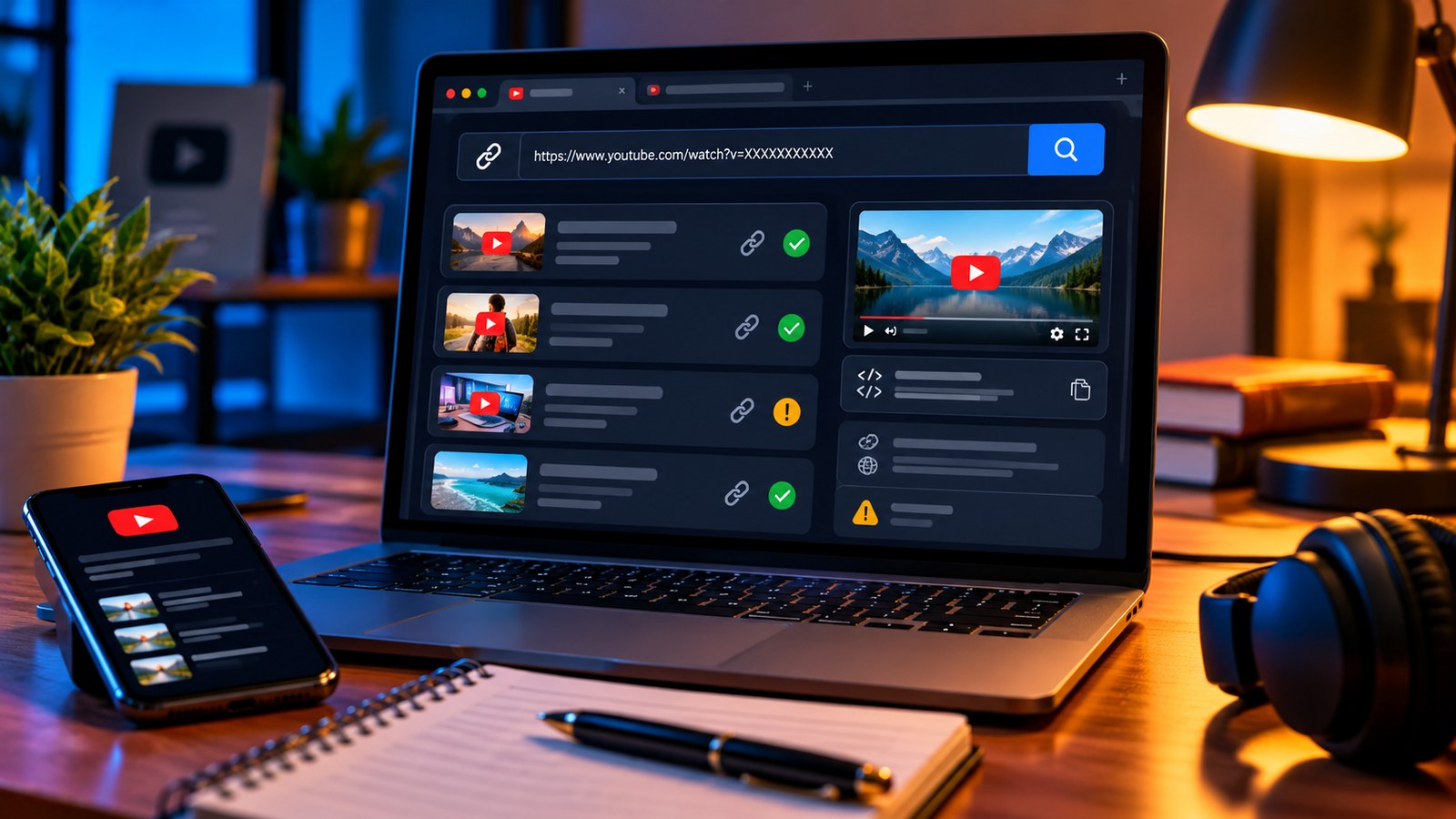
How to Use a YouTube Channel History Viewer to Research Older Uploads

A channel’s most recent uploads are easy to find. Older videos can take longer, especially when the channel has years of tutorials, interviews or recorded streams. A channel history viewer turns the public upload list into a timeline that is easier to browse and reference.
This is useful for researchers checking an earlier explanation, creators reviewing a channel’s public content history, or teams that need to find the original source for a video link.
What a channel history viewer typically shows
A history viewer can list public uploads from newer to older, with dates, thumbnails and links. On YTPlayTime, the Channel History Viewer displays public uploads in batches and lets you load older entries as needed.
To use it, paste a channel URL, an @handle, or a video link that belongs to the channel, then browse the returned timeline. If the video you need is not in the first batch, use the control to load older uploads rather than assuming the tool has reached the beginning.
How to find a specific older video
First, identify one or two clues: the topic, a phrase from the title, an approximate publication period, or a thumbnail subject. Browse the timeline and open likely matches on YouTube. Confirm the channel name and full title before citing or saving the link; similar thumbnails and recurring series names can make two uploads look alike.
If the list is long, record the title, publish date and direct URL in a research note. Add a short reason for saving it, such as “explains the original setup flow” or “contains the first version of the example.” That makes the link useful later instead of turning your notes into another unsearchable list.
What publishing patterns can tell you
A public upload timeline can help you answer modest, observable questions: did a channel publish a series in consecutive weeks? Are there several tutorials on one subject? When did a publicly available guide appear? Which visible upload should you inspect next?
However, a timeline alone does not reveal why the creator chose a schedule, how much work each video required, or whether the schedule caused growth. It also cannot tell you historical subscriber numbers if those figures were not publicly recorded. Avoid inferring a creator’s strategy from dates alone.
Understand the limits
A channel history viewer is not a full archive. Private and deleted videos may not appear, and unlisted items may be absent from a public uploads list. A tool may show only the entries it has loaded so far. Nor is an upload timeline the same as a complete history of channel-name or handle changes.
If you need an exact date for one video, verify it separately with the YTPlayTime Upload Date Finder. If the link appears to have been removed, the Deleted Video Finder may help check public status and archive references, but it cannot guarantee that the video itself survives.
A responsible workflow for research
- Use public results and follow the platform’s access settings.
- Verify the title, channel and date on the destination page.
- Save the source URL and the date you accessed it.
- Distinguish what the timeline shows from your interpretation of the pattern.
- Keep a backup citation for important research, because links and availability can change.
A channel history tool is most valuable when it reduces the time spent looking for a source. Treat its output as a useful index of accessible public uploads—not a complete record of everything a channel has ever published.